 Local Service Mastery
A home service owner asked this on our weekly group call: “What should I say and show in my job site videos so they bring in calls and help my local ranking?” If that sounds like your business, this post is for you.
I’m Lior Vaknin. I’ve spent 15 years running marketing for home service businesses, and every week I answer questions like this one live with our members. Below are five steps that work in any trade, and the fifth is the one that stops most owners from getting any footage at all.
Asked on our weekly group call: “What should I say and show in my job site videos so they bring in calls and help my local ranking?”
Short answer: say the service and the area out loud, show the problem before you start, give a tip, and end with a clear call to action. Then make sure you actually film every job, because that is where most owners fall down.
How video fits into local ranking
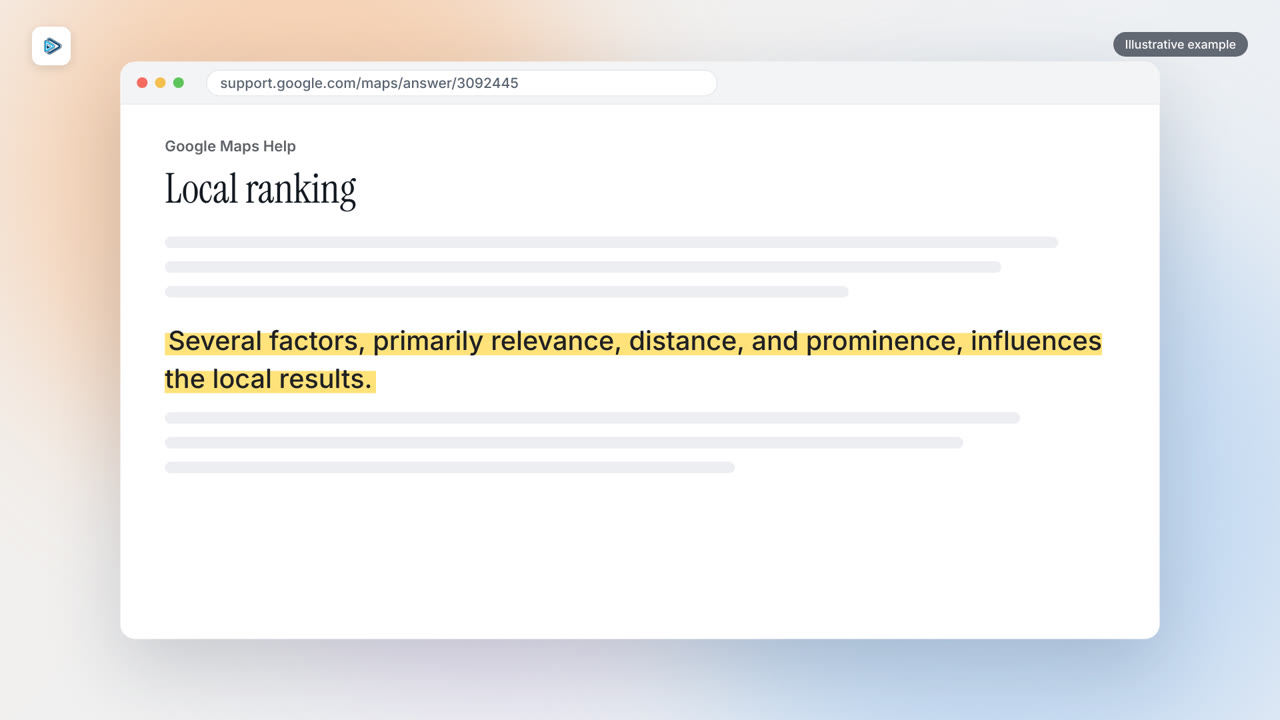
Before the steps, here is what a video can and cannot do. Google explains that “Several factors, primarily relevance, distance, and prominence, influences the local results.” (Google Maps Help)
Your videos can help with relevance, because they tell Google and YouTube what you do and where. They can help with prominence when they bring in calls and reviews. Google says prominence is “also based on info like how many websites link to your business and how many reviews you have.” (Google Business Profile Help) What a video cannot do is change how far you are from the person searching. So the goal is simple: make videos that are relevant and that push viewers to pick up the phone.
Step 1: Say the service and the area
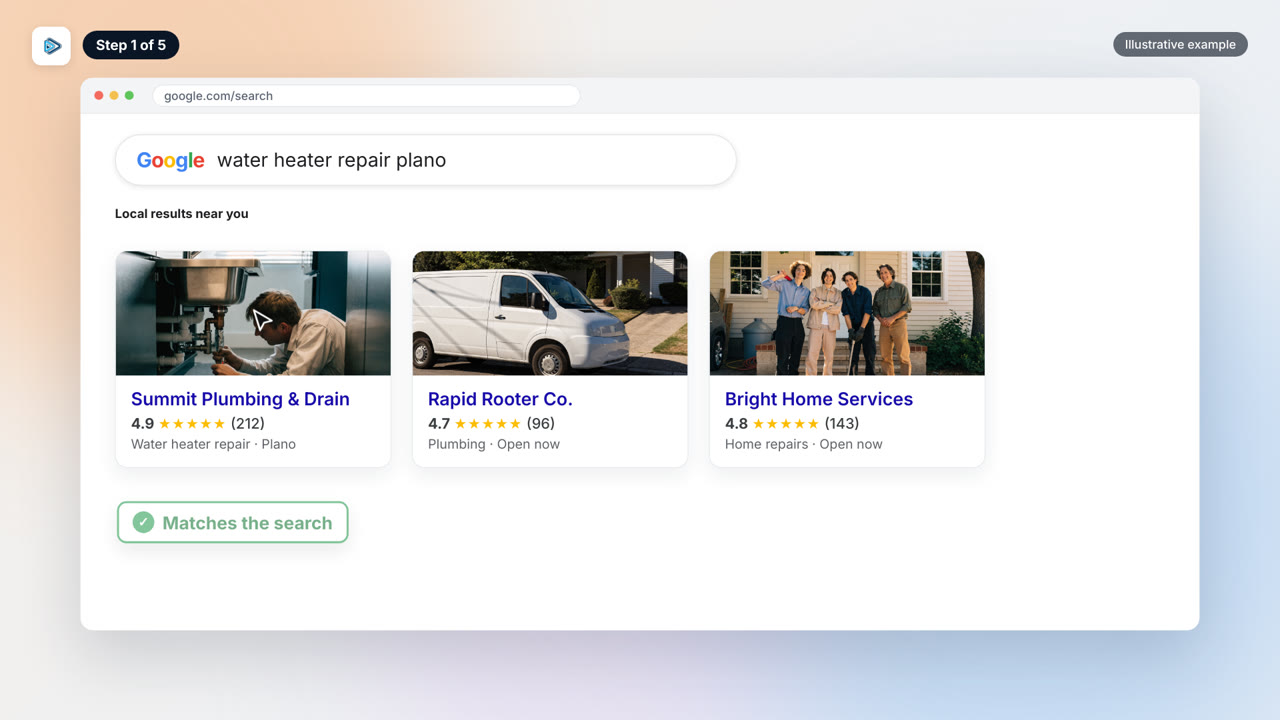
While you are filming, say the service you did and the area you were in, out loud. Something as simple as “we just replaced a water heater here in your town” does the job. That is what makes the video relevant to the search.
It also gives YouTube more to work with. YouTube’s Featured places feature draws on “destinations you have prominently highlighted in your description, video transcript and video frames to highlight key places.” (YouTube Help) So say the town out loud and show it on screen.
Then put the service and the city in the title and in the first lines of every description. YouTube says, “Writing descriptions with keywords can help viewers find your videos more easily through search.” (YouTube Help) On Facebook, tag the city or neighborhood of each job too.
Step 2: Show the before
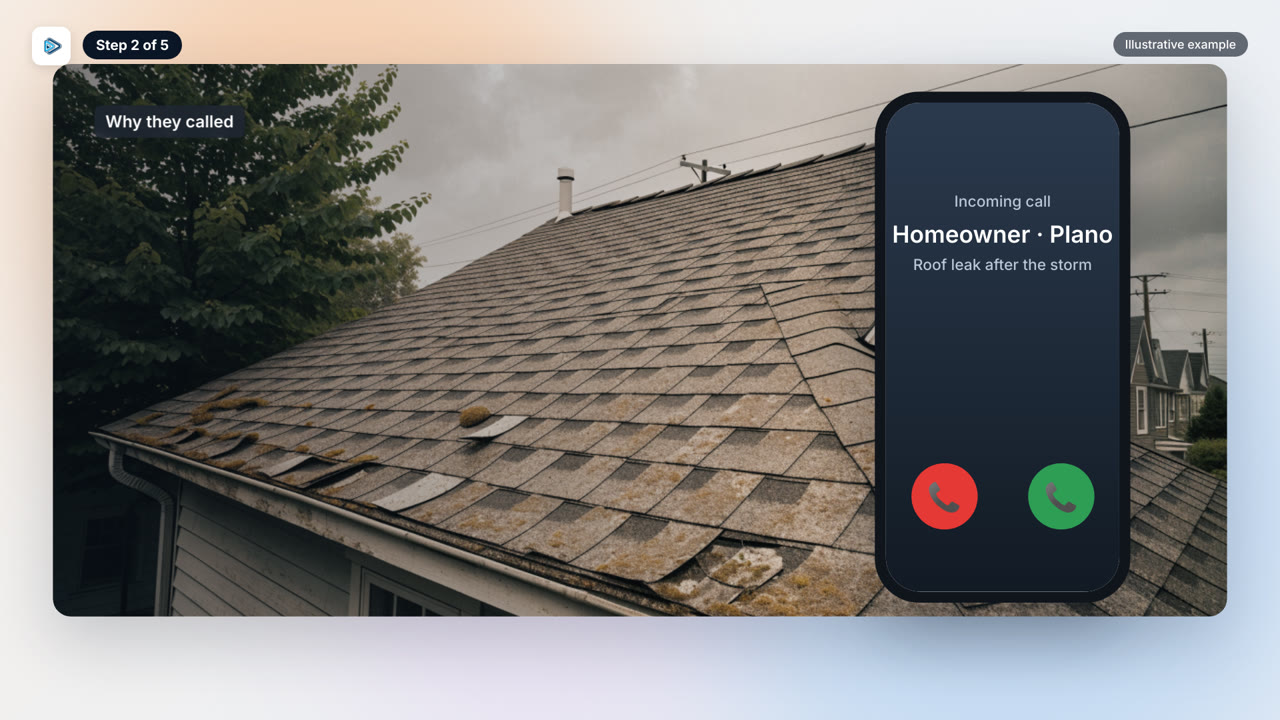
Explain why the customer called and show the condition before you start. Viewers should see the problem you solved and then the transformation. That before and after is the most persuasive thing a home service video can show.
Open with the problem or the before shot, not a logo or a long intro. Facebook advises: “This means you need to make the first few seconds of your video engaging enough that people will want to continue watching.” (Meta Business Help)
Google makes a similar point about photos, which spotlight “features of your business that your customers use when deciding to purchase your products or services.” (Google Business Profile Help) For a contractor, that means the actual work, the problem and the result. Keep every clip on real jobs.
Step 3: Add a tip and a review
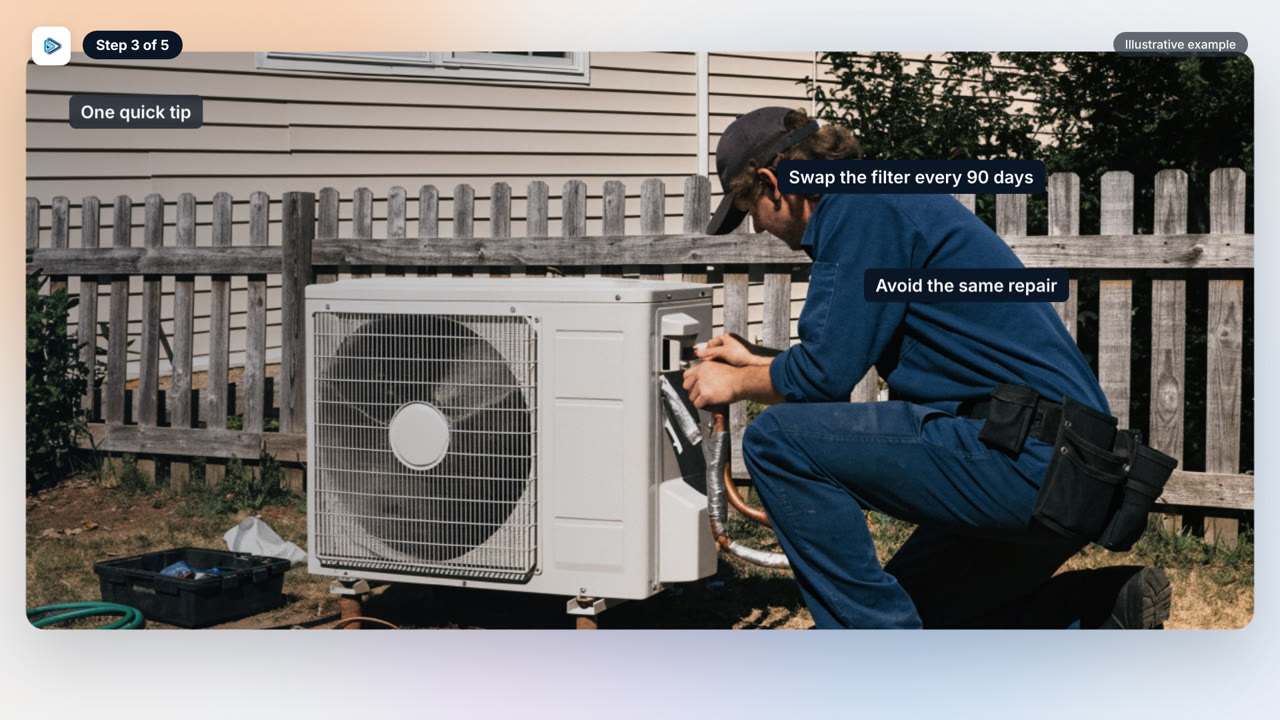
Give one or two tips so homeowners can avoid the same problem you just fixed. A video that helps first earns trust before you ask for anything. A quick tip on spotting early warning signs is plenty.
If you can, add a short homeowner video review before the call to action. You are allowed to ask for a genuine one, but Google’s policy is about content that represents a genuine experience, “without offering incentives to do so.” (Google Business Profile Help) So ask for an honest review, and don’t offer a discount or payment.
One more thing: get the homeowner’s OK before you film their face or name, or frame them out. Google restricts “Content which contains personal information of another posted without their consent such as: full name, or last name, their face in a photograph or a video.”
Step 4: End with a clear call to action
Viewers need to be told exactly what to do next. End with something clear, like “call us” or “comment a keyword.” Don’t leave it to chance that they will work it out.
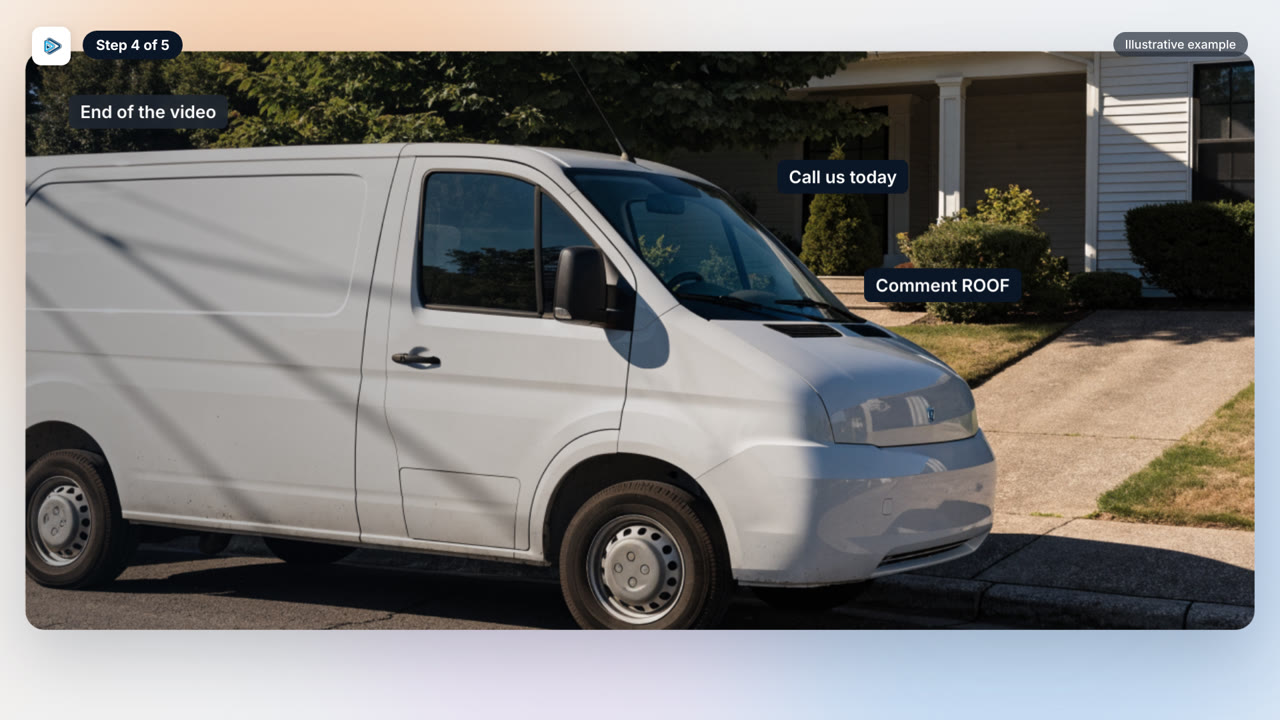
Then reuse the video. One video can go on YouTube, your Google Business Profile, Facebook, Instagram, a blog post and retargeting ads. You film once and use it everywhere.
For the Google Business Profile, cut a tight version. Google’s limits are: “Duration: Up to 30 seconds long File size: Up to 75 MB Resolution: 720p or higher.” (Google Business Profile Help) The full footage is for your other channels. The profile gets the short cut.
Step 5: Film every job
This is the step I promised. The real problem is usually not your videos. It is the jobs you never film at all.
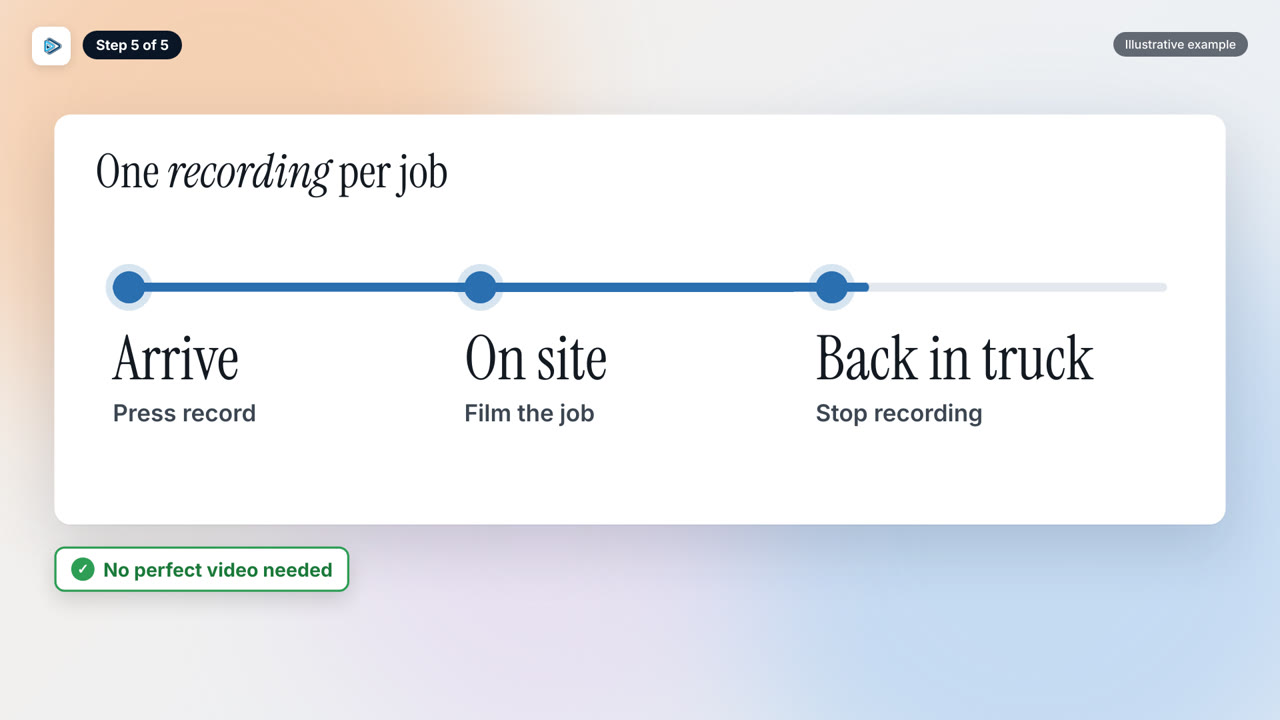
Keep it simple for your techs. They press record when they arrive at the job site, film the job, and stop once they are back in the truck. They do not need to film a perfect video.
Don’t worry about how long the footage is or how many clips there are, because the editing and chopping can be handled afterwards. For long jobs, use one folder per day so all the footage from that day is grouped together. Short, simple, real videos build trust, and you can only make them from jobs you actually recorded.