 Local Service Mastery
A home service owner asked this on our weekly group call: “I want to rank in nearby cities for my service business. How do I expand with Google Maps and landing pages?” If that sounds like your business, this post is for you.
I’m Lior Vaknin. I’ve spent 15 years running marketing for home service businesses, and every week I answer questions like this one live with our members. Below are 5 steps built on Google’s own rules, and the last one decides whether the other four ever work.
Asked on our weekly group call: “I want to rank in nearby cities for my service business. How do I expand with Google Maps and landing pages?”
Short answer: Keep one Business Profile for your whole service area, use real addresses only, build a useful landing page for each city, and collect reviews every week. Then expand one city at a time, because to win a new city you have to be truly local to the people there.
How Google ranks local results in nearby cities
Before the steps, you need to know what you are working with. Google says: “Local results are mainly based on relevance, distance, and popularity. Together, these factors help Google find the best match for customers’ searches.” You can read that on the Google Business Profile help page, and it also says you can’t pay for a better local ranking.
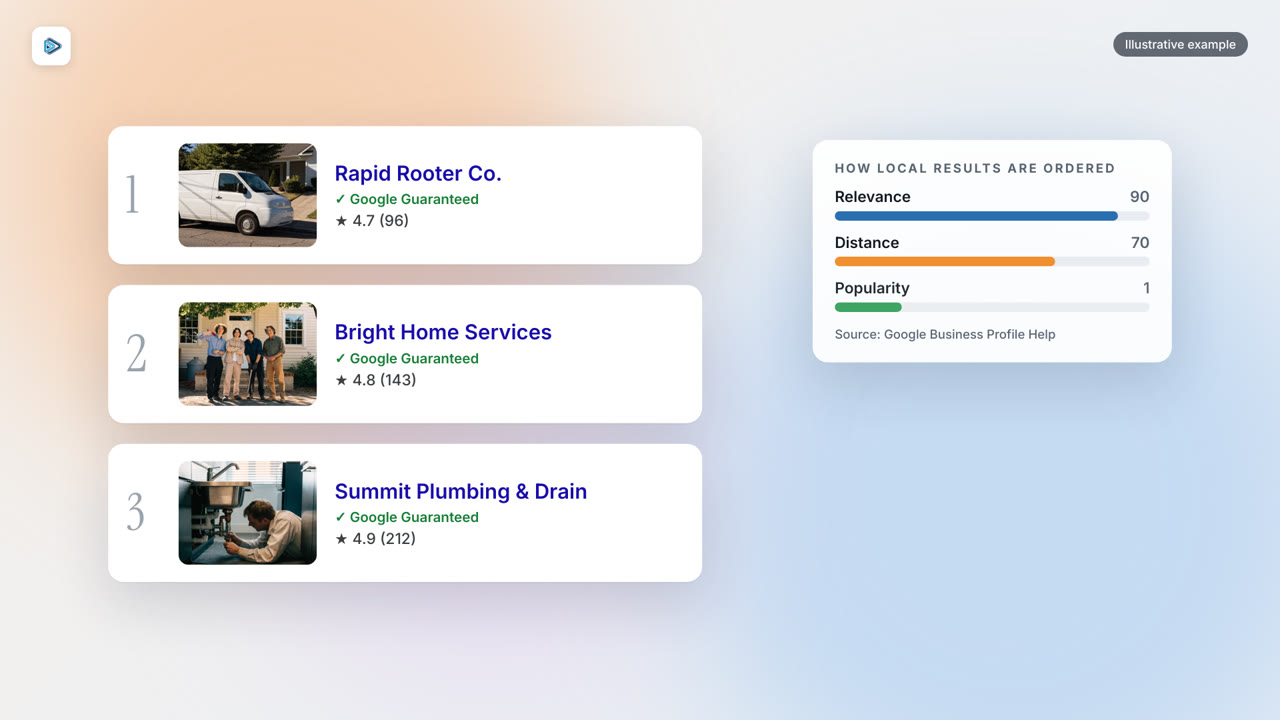
Distance matters, but it is not the only factor. Google Maps help explains it like this: “if what you’re looking for is probably in a business that’s further away from you, Google algorithms might decide to rank it higher in local results.” In other words, a business in the next town can outrank one that is closer if it looks like a better match for the search. That is why expanding into nearby cities is possible at all, and why the steps below focus on looking like the best match.
Step 1: One profile first
This is the step most owners get wrong. They create a separate Business Profile for every nearby city, and Google does not allow that for a service area business. Google’s rule is that a service area business, like a plumber or a cleaner, gets one profile for the whole area it serves. You can see this on the service area help page.
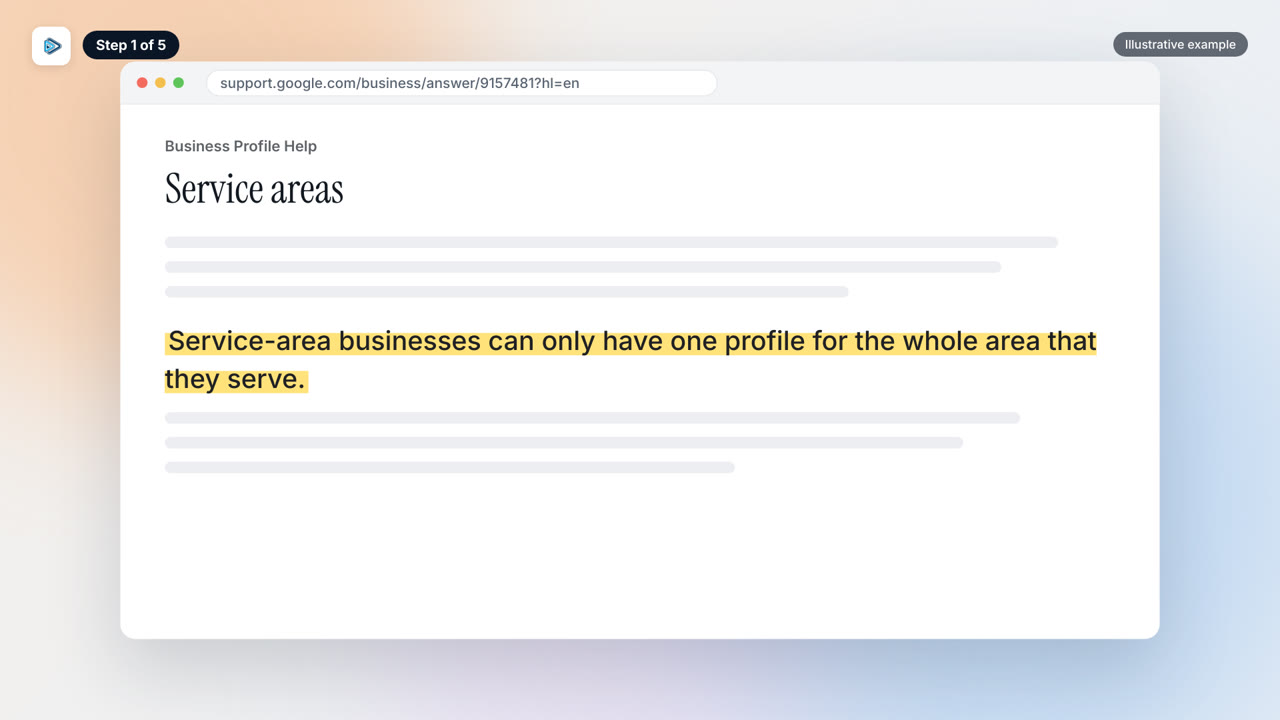
So keep one profile and add your nearby cities as service areas. Google says: “You can have up to 20 service areas. The boundaries of your overall area shouldn’t be more than about 2 hours of driving time from where your business is based.”
Start by listing the cities you actually want work in, pick up to 20, and check that the whole area stays inside that driving limit. That one profile then carries the reviews and activity for every city you serve, instead of splitting them across profiles that Google may not accept.
Step 2: Real addresses only
Step two is your address. Google is clear that a rented mailing address or a virtual office is not a shortcut. Its guidelines say: “If your business rents a physical mailing address but doesn’t operate out of that location, also known as a virtual office, that location isn’t eligible for a Business Profile.”
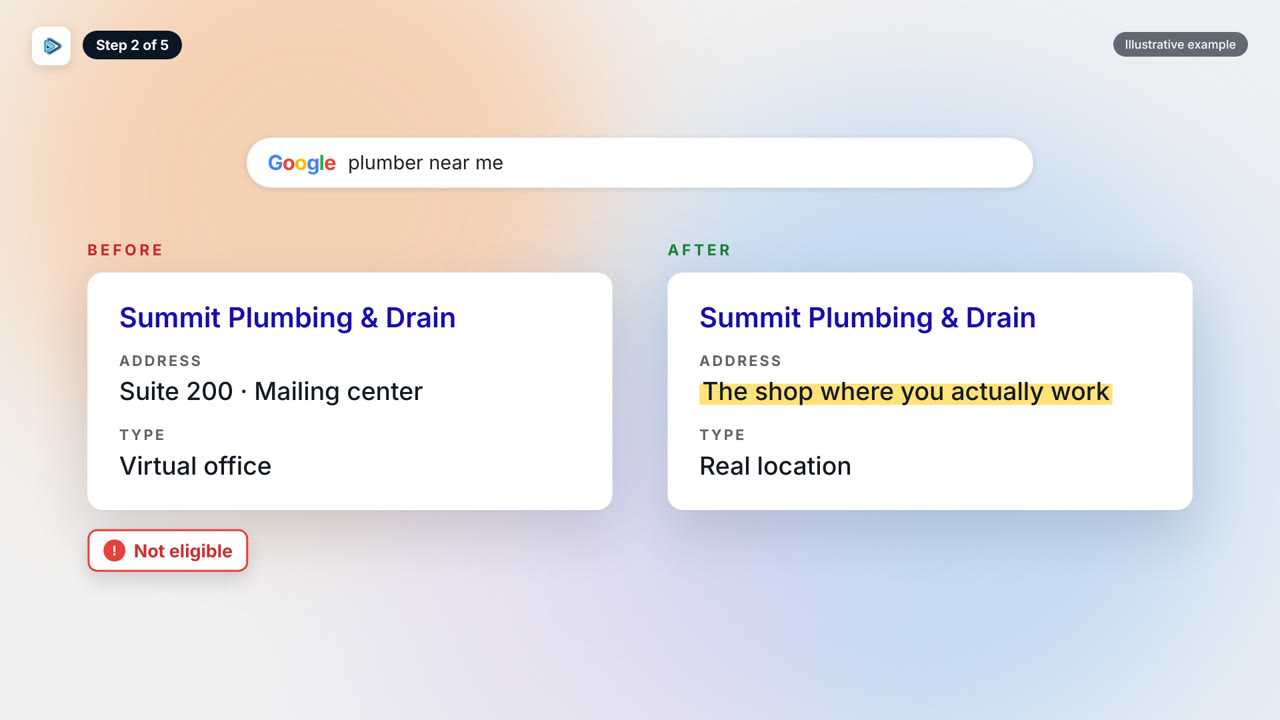
A separate profile for a new city is only allowed when that location is real. Google puts it this way: “If you have different locations for your service business, with separate service areas and separate staff at each location, you’re allowed one profile for each location.”
My advice is simple. If you are opening an office in a new city, make it a real one, with its own service areas and its own staff. Cutting corners with fake addresses can cost you more in the long run than the shortcut ever saves you. If you don’t have a real location there yet, stay with the single profile from step one.
Step 3: A page per city
Google Maps is only half of the picture. For the website side, build a targeted landing page for each city you want to rank in, and give each one its own useful content.
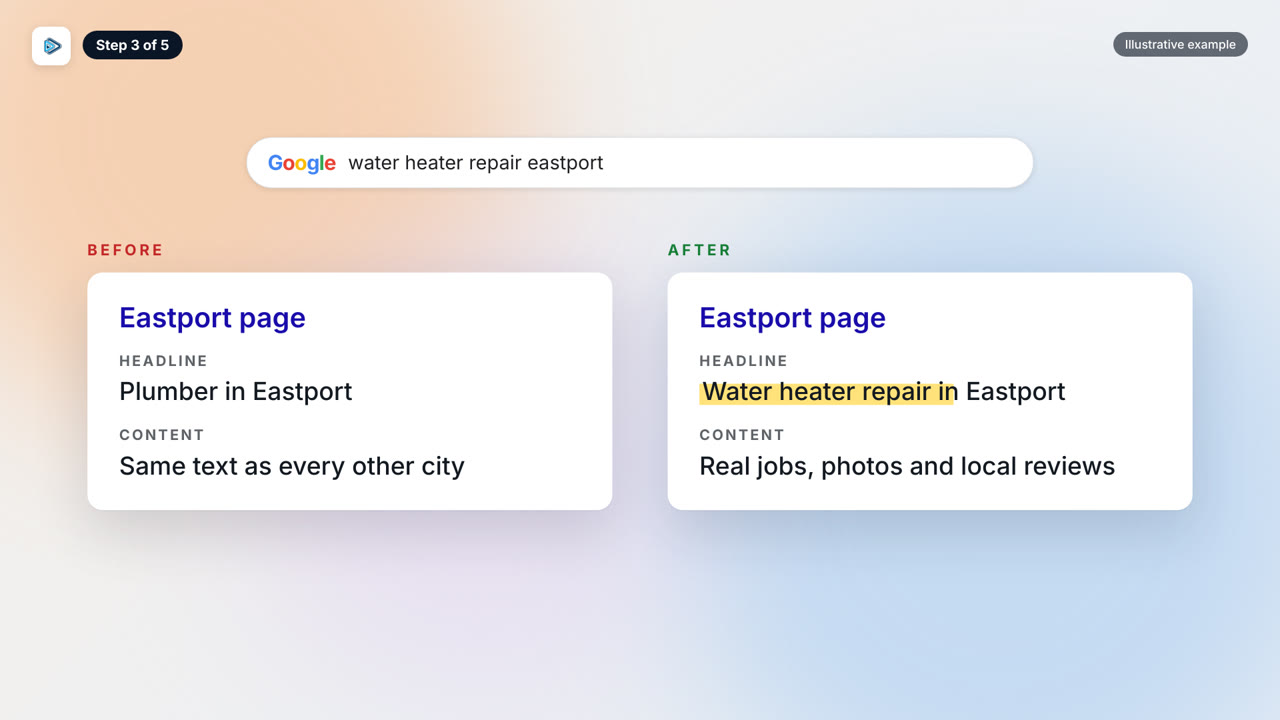
Here is the risk. Google’s spam policies call out “Having multiple domain names or pages targeted at specific regions or cities that funnel users to one page.” A page that exists only to push visitors somewhere else is the kind of thing Google is warning about.
The fix is to write about the real jobs you do in that city. Describe the services you offer there and the kind of work you handle for customers in that area. Don’t copy one page and swap the city name. If you can’t say anything real about a city yet, that is a sign the city is not ready for its own page.
Step 4: Weekly reviews
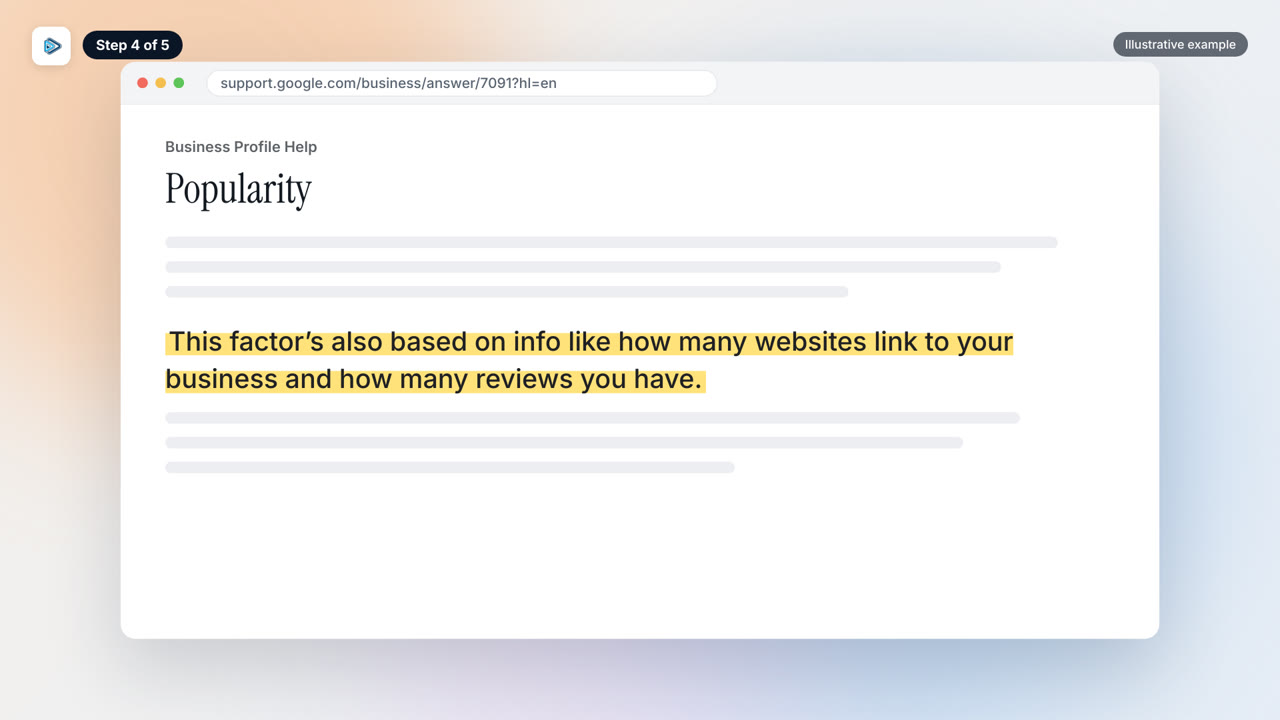
Step four is reviews. Google says popularity draws on “how many websites link to your business and how many reviews you have.” That means reviews are part of how Google decides which business to show.
My rule for members is to collect new five star reviews every week, since review freshness and volume increasingly affect local rankings. Don’t wait for a slow month to ask. Make it part of finishing every job.
Google makes this easy: “To encourage customers to leave reviews, you can share a review request link or QR code.” You can find how on the Google help page for reviews. Send customers your review link or QR code right after the job, while the work is fresh in their mind.
It matters for ads too. In Local Services Ads, Google says: “Star ratings and number of reviews affect how your business is ranked within Local Services Ads.”
Step 5: Be truly local
Now the step I promised, the one that decides whether the other four work. To win a new city, you have to be truly local to the people there. To rank for “near me” searches in a city, you need to be local to the customer in that city, and no landing page or profile setting can fake that.
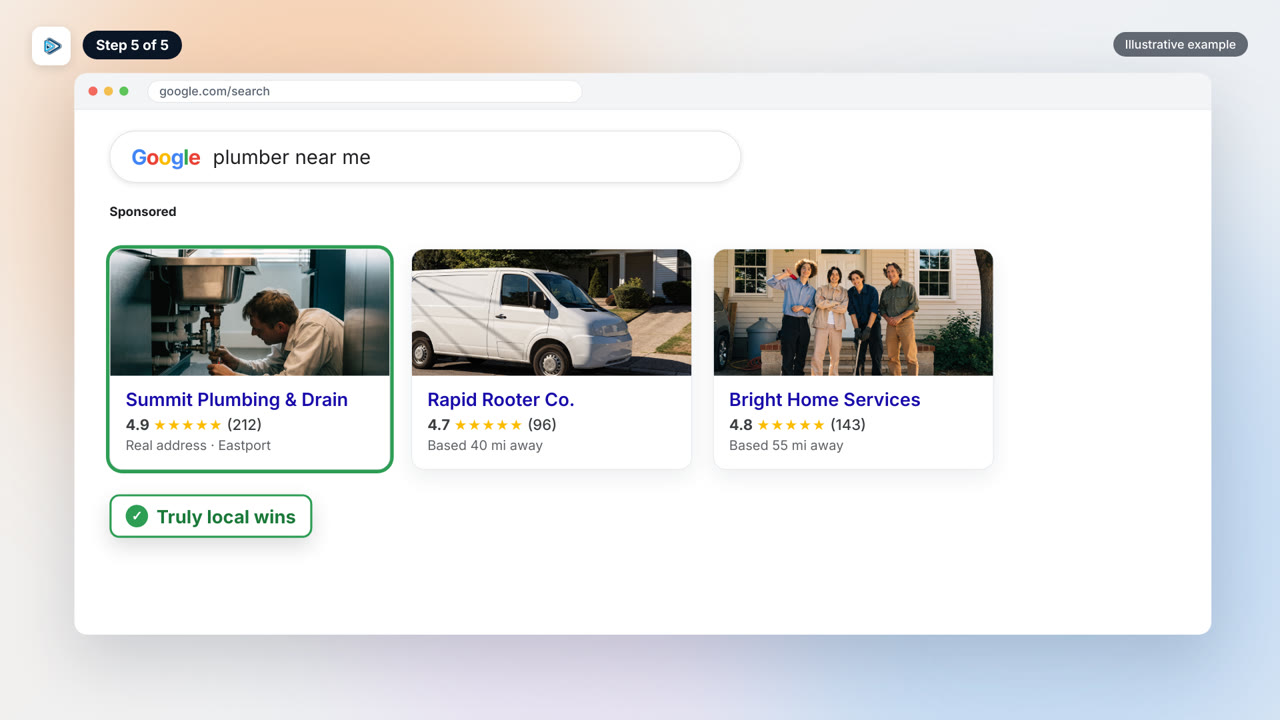
That is why you should expand one city at a time. When you open a new area, launch one focused Google campaign for it and keep your other campaigns paused until it proves itself. Spreading yourself across five cities at once means you are not properly present in any of them.
If you use Local Services Ads, judge them by lead quality, not just volume, and screen out job types you don’t want. Google’s advice is: “If you’re receiving unwanted leads, revisit your service areas, job types, and categories.”
Win one city properly with a real presence, then use what worked there to open the next one.