 Local Service Mastery
“My Local Service Ads only bring price shoppers. Is it even worth it?” A home service owner asked me that on one of our weekly group calls, and it is one of the questions I hear most.
I'm Lior Vaknin. I've spent 15 years running marketing for home service businesses, and every week I answer questions like this one live with our members. Below are the five fixes I give them, built on Google's own rules. The fifth one has nothing to do with Google at all, and it's the one most owners miss.
Asked on our weekly group call: “My Local Service Ads only bring price shoppers. Is it even worth it?”
Short answer: the platform is usually not the problem. Google ranks you on your bid, how likely you are to turn a search into a lead, and your profile quality. Answer every call, grow your reviews every week, keep your lead inbox up to date, keep budget for the whole week, and treat the first call as the moment you build trust.
How Google decides who shows first in Local Service Ads
You pay for a lead (a call, a message or a booking), not for a click, and you show on Google Search and Google Maps. Google orders the businesses on three things:
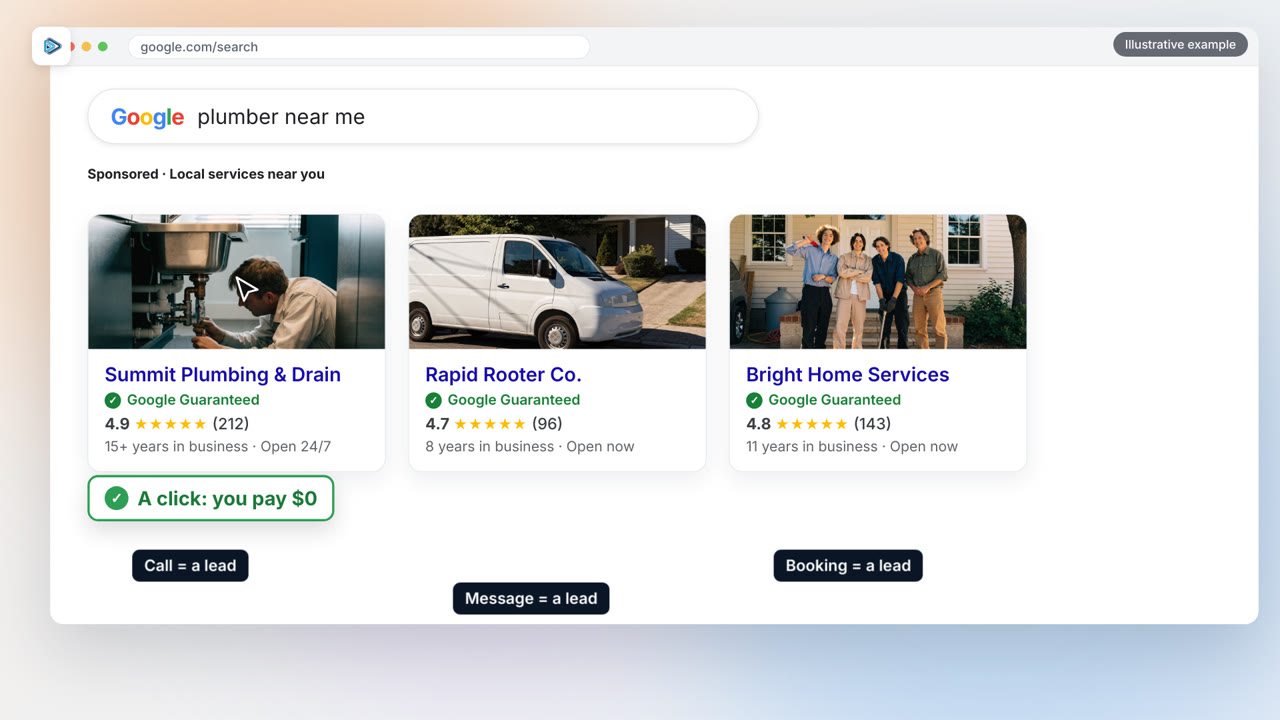
- Your bid: the most you are willing to pay for a lead.
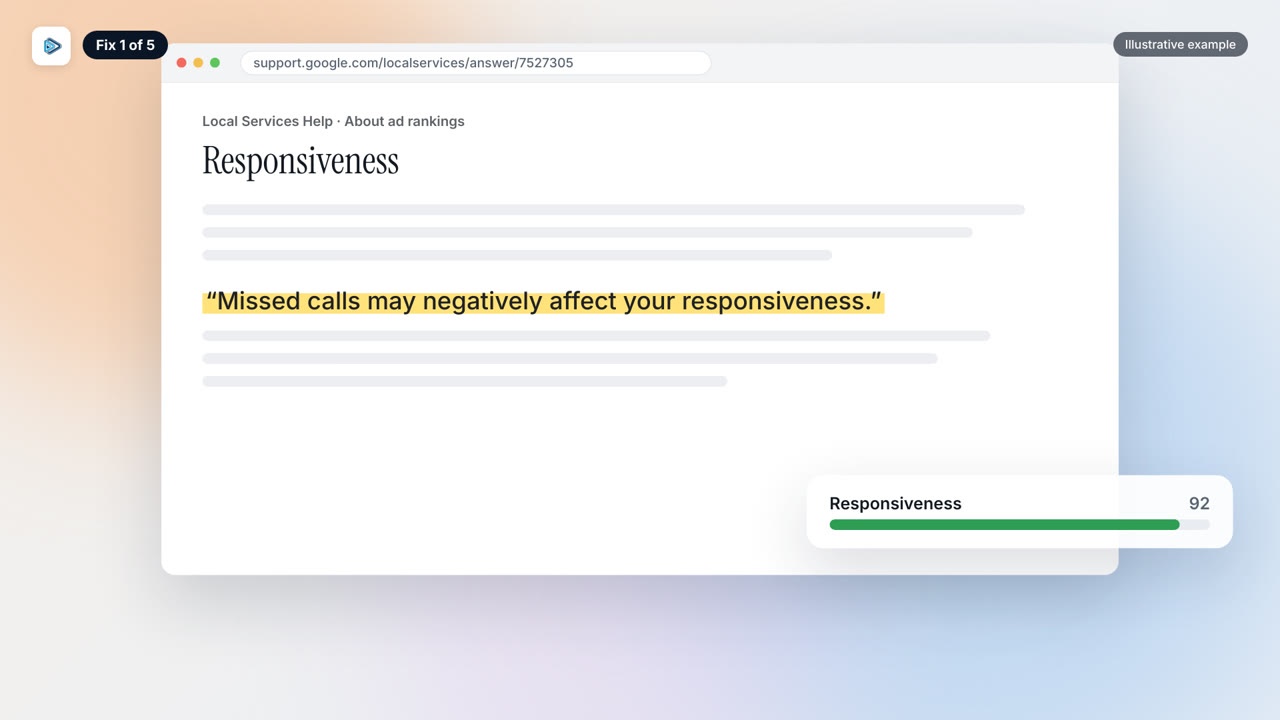
- How likely you are to get a lead: your responsiveness (missed calls count against you), the job the customer searched for, how relevant your services and bio are, and whether messages and bookings are turned on.
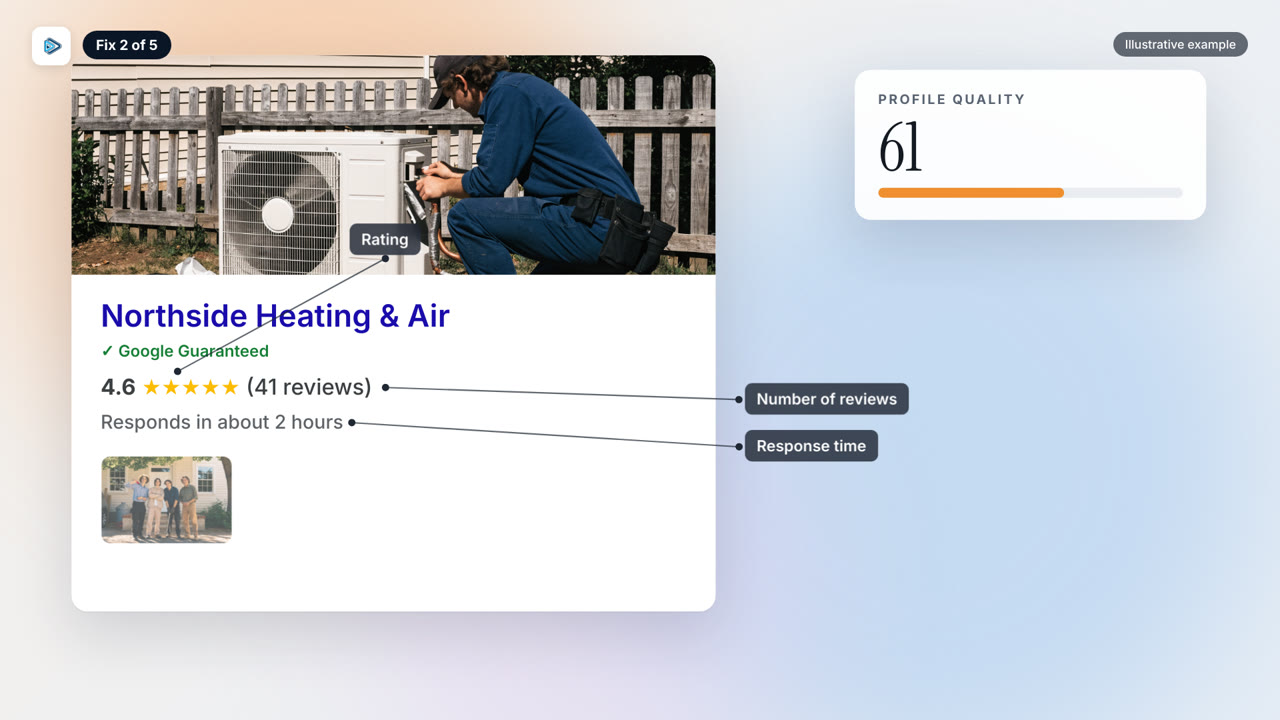
- Your profile quality: your rating, your number of reviews, your average response time, and photos.
Source: Google Local Services Help, About ad rankings.
Fix 1: Answer every call
Google says it plainly: “Missed calls may negatively affect your responsiveness.” If you cannot pick up in the middle of a job, have your office or an answering service pick up, and turn on messages and bookings so customers have more ways to reach you.
Fix 2: Your profile
Bring in new five-star reviews every week, ideally from the jobs that came through the ads, and add real photos of your crew and your finished work. Then check your services and your bio: Google matches you to the exact job someone searched for, and a vague profile (“we do all plumbing”) loses to a specific one (“water heater repair and replacement, tankless installs”).
Fix 3: Your lead inbox
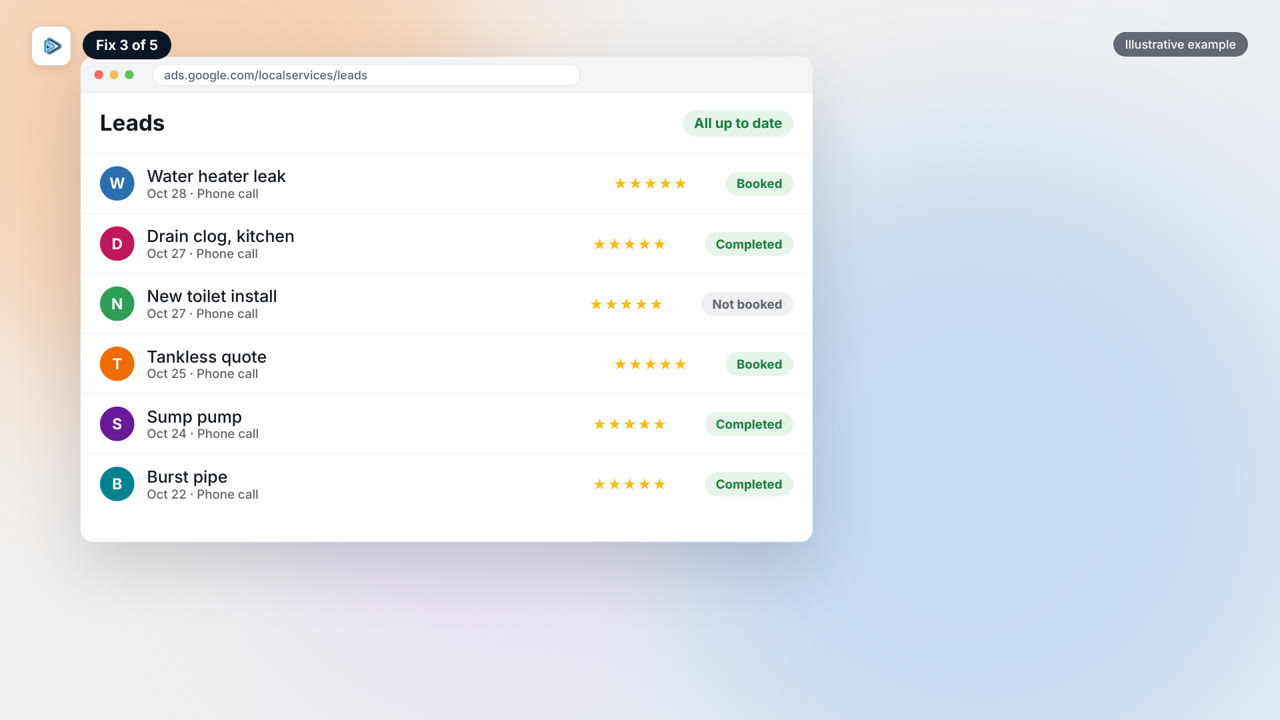
When I open an owner’s account, a pile of leads still sitting there untouched is the first thing I clean up. Mark every job as booked or completed and rate each lead. That is where your booking rate in the Reports page comes from, and how you see which leads became real work.
Fix 4: Your budget
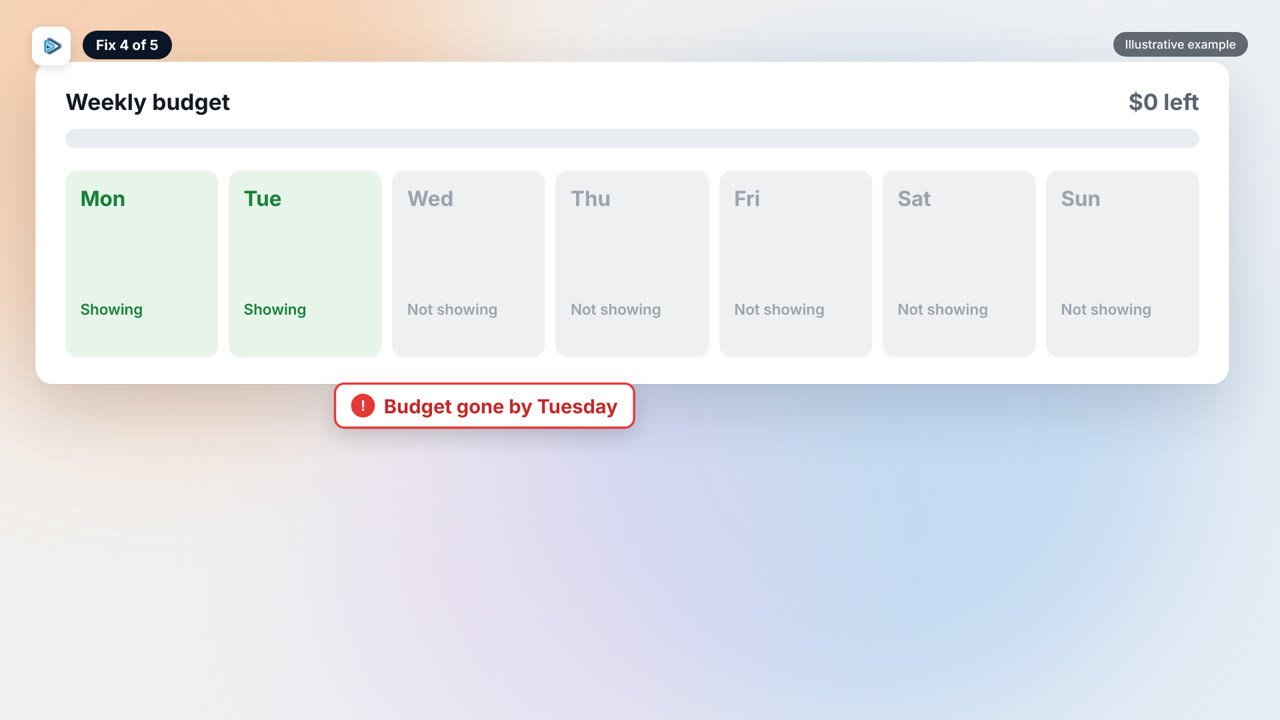
If your weekly budget runs out by Tuesday, you disappear for the rest of the week, no matter how good your profile is. Google notes that providers with the same quality and budget who use Maximize leads typically get more leads, so set a budget that carries you through the whole week.
Fix 5: Price shoppers are a phone problem, not a lead problem
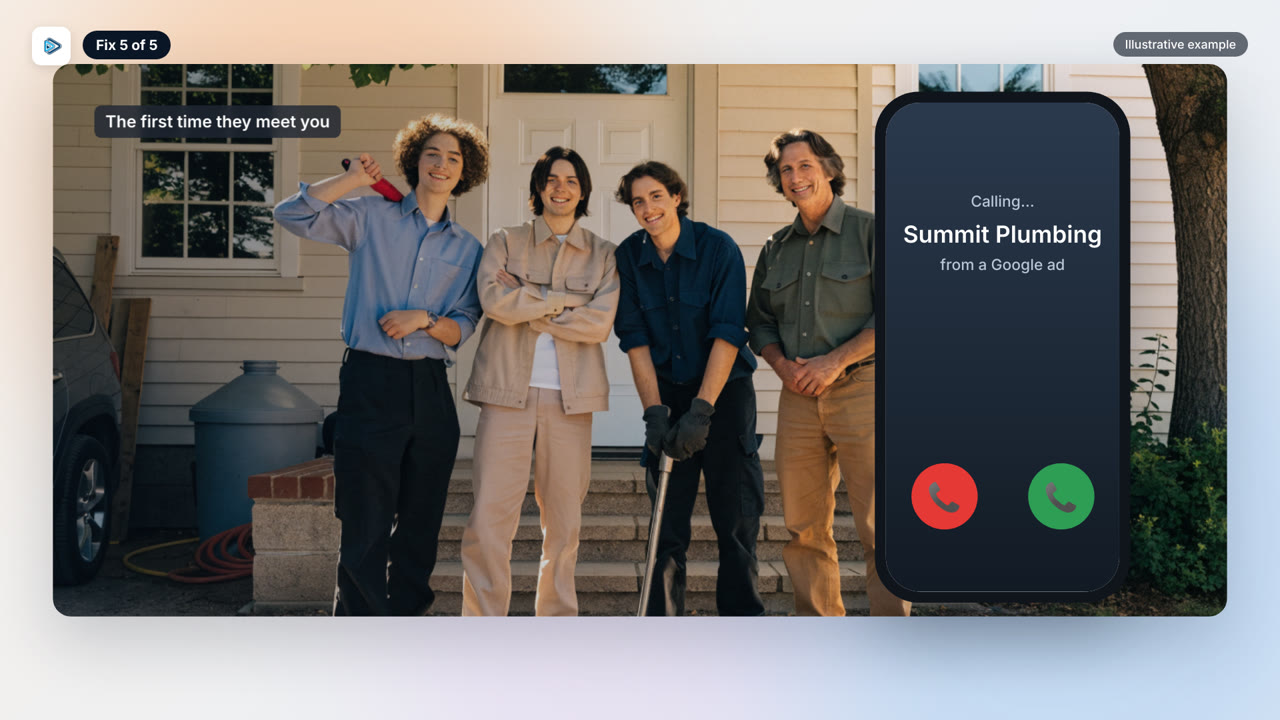
Someone who finds you through a Local Service Ad never saw your website, your reviews or your face, so the first call is the first time they meet you. Do not throw a number at them. Ask about the job, explain how you work, and book the visit, the same way you would treat a referral. When your marketing builds trust before the call, closing is easy; with these leads, that trust gets built on the phone.
The 2026 change: Local Service Ads move into Google Ads
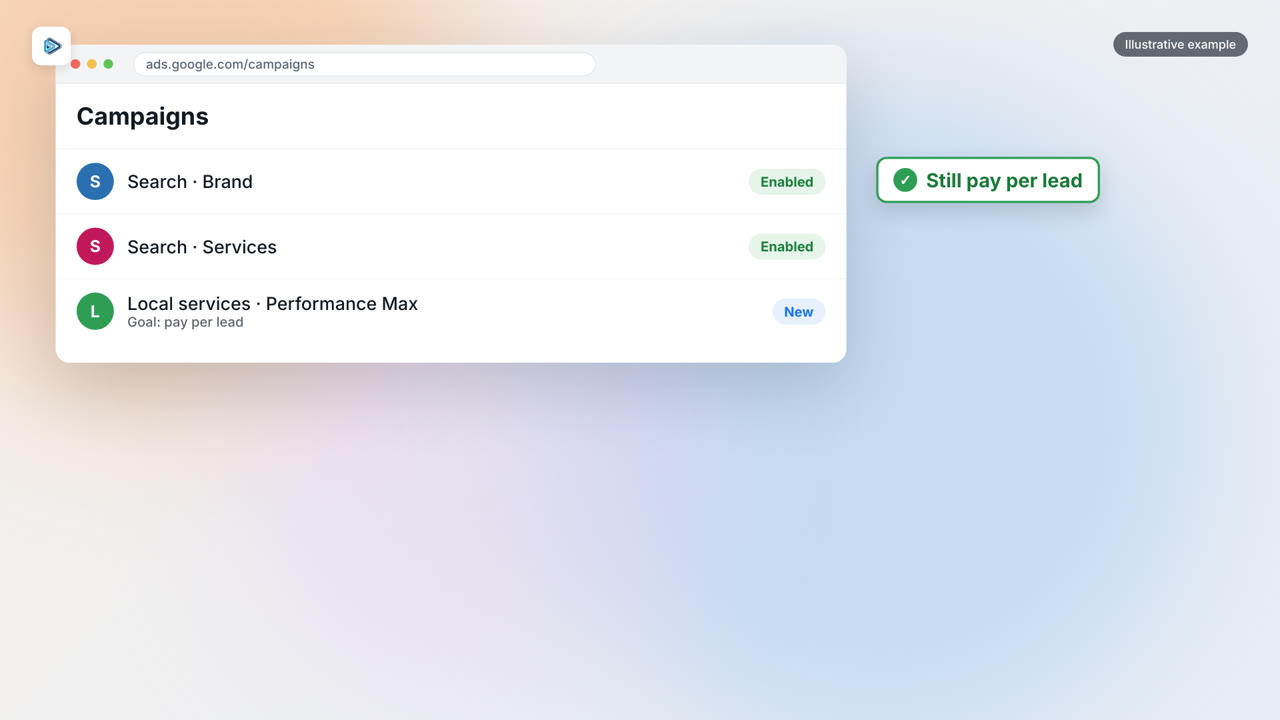
Google is moving Local Service Ads into Google Ads as a Performance Max campaign with pay-per-lead goals. You still pay only for valid leads, and you still show on Search and Maps. It started in August 2026 with select U.S. businesses; service-area businesses follow in late 2026, and accounts outside the U.S. in 2027. Manual max-per-lead bidding goes away, and your old Local Services reports do not carry over, so download them now. Source: Google Ads Help.