LSM Video · Facebook Video Ad Dimension

Facebook Video Ad Dimension: 5 Steps to Go Vertical

  • ✓Shoot for the job: full project videos horizontal, short ads vertical
  • ✓No reshoot needed: turn the footage you already have into a vertical copy
  • ✓Check every crop so nothing important gets cut off
  • ✓Keep both versions so each one runs where it fits best
  • ✓Captions on: most social videos start on mute
See the 5 steps →

Watch the full video, then read the breakdown below.

“Should I film my videos vertical or horizontal, and can I turn one video into a vertical version?” A home service owner asked me exactly that on one of our weekly group calls, and if it sounds like your business, this one is for you.

I’m Lior Vaknin. I’ve spent 15 years running marketing for home service businesses, and every week I answer questions like this one live with our members. Below are five steps, and the last one has nothing to do with the shape of your video, so don’t skip it.

Asked on our weekly group call: “Should I film my videos vertical or horizontal, and can I turn one video into a vertical version?”

Short answer: it depends on where the video will live. Shoot full project videos horizontal, use vertical for short form ads and landing pages, and yes, you can turn one video into a vertical version without reshooting anything.

How Facebook handles video shapes

Before the steps, here is the lay of the land. On Facebook, Meta says its full screen video player supports all video, but “most people watch vertically.” So vertical is not a gimmick. It is how a lot of your future customers will actually see your video.
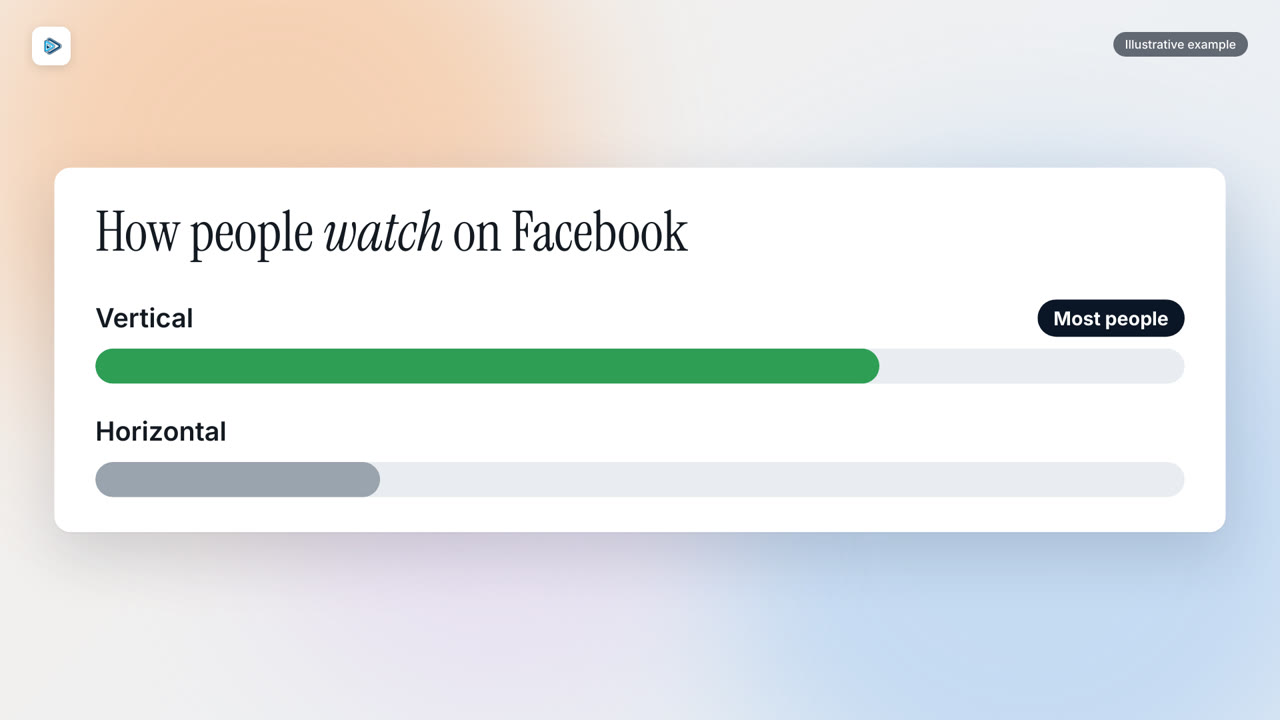
How it works: a side by side comparison (from the video)
First, a quick reminder of how it works: on Facebook, Meta says its full-screen player supports all video, but most people watch vertically.

That does not mean horizontal is dead. The right Facebook video ad dimension depends on the job the video has to do, and on the platform it will run on. Meta’s own ad system also adapts to what you give it, and Google treats vertical and horizontal as two different tools. The five steps below walk through how to use both without filming everything twice.

Step 1: Shoot for the job

Decide what the video is for before you hit record. If it is a full project video, shoot it horizontal, because that suits YouTube better. Vertical is fine for short form ads and landing pages. So the real answer to the vertical or horizontal question is that it depends on where the video will live.
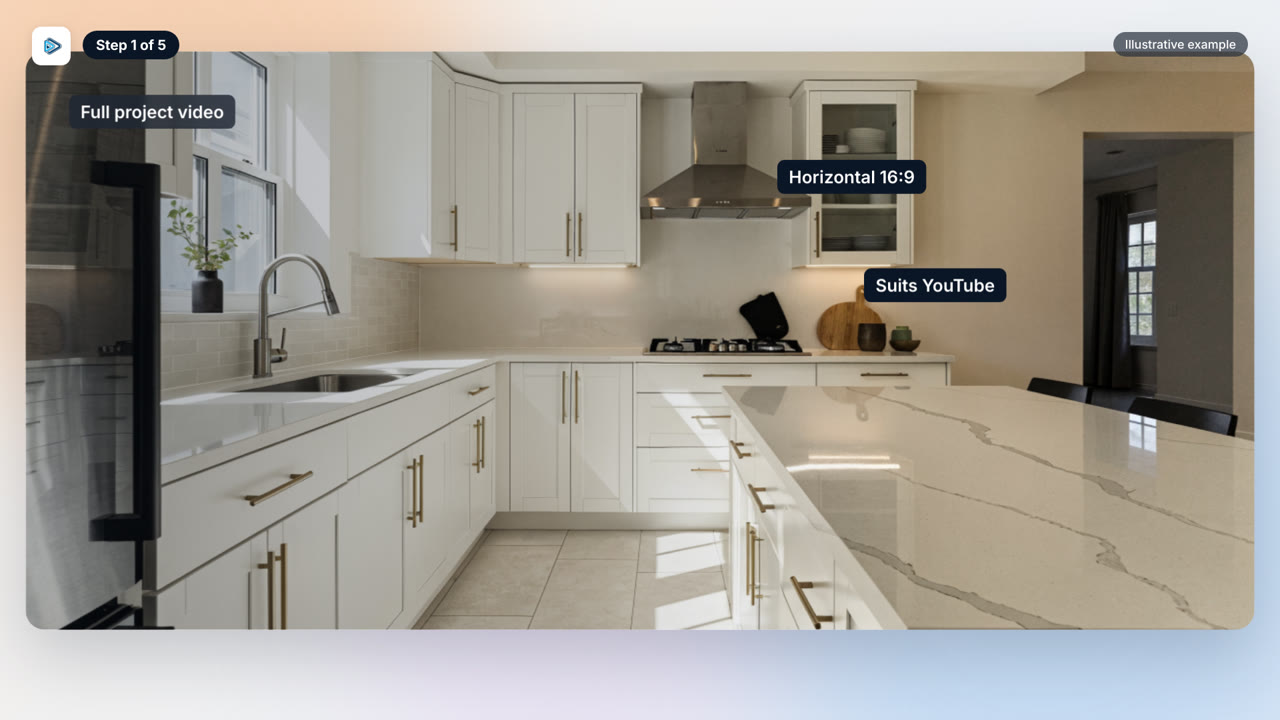
Shoot for the job: Full project video (from the video)
Step one is to decide what the video is for before you hit record: if it's a full project video, shoot it horizontal, because that suits YouTube better.

Google’s guidance points the same way. In Google Ads, vertical videos are “used primarily for Shorts inventory”, while horizontal ones run in stream and in feed. And if you are making a YouTube Short, Google says to select a video “Up to three minutes. With a square or vertical aspect ratio.”

Write down one line before every shoot: where will this live? That one line decides the shape.

Step 2: Make a vertical copy

You do not have to reshoot anything. Meta says to “play around with the framing of your existing content to best bring out the story you want to tell in a vertical format.” In other words, the footage you already have can become a vertical version.
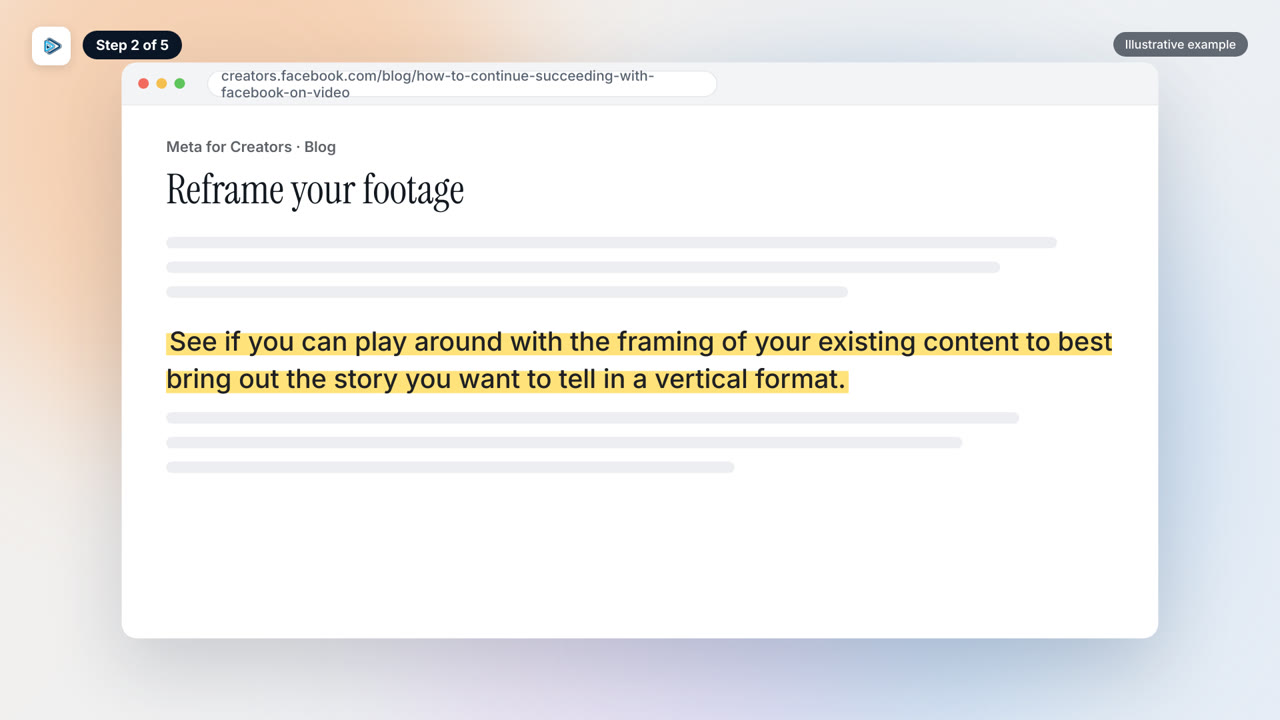
Make a vertical copy: Google's own help page: Reframe your footage (from the video)
Step two is that you don't have to reshoot anything, because Meta says you can reframe footage you already have into a vertical version.

There are simple tools for it. CapCut can convert a horizontal video to vertical by cropping the center. Google Ads has a built in tool too: “If you only have a horizontal asset, you can use our video enhancement feature to generate vertical video assets from your existing horizontal asset.”

Meta also lets you upload a 9:16 version made from an existing asset, so one shoot can feed both. Make the vertical copy right after you finish the horizontal edit, while the project is still fresh.

Step 3: Check the crop

A vertical crop keeps the center of the frame and cuts the sides. That is the catch with converting a horizontal video, and it is why you must look at every crop before you publish.
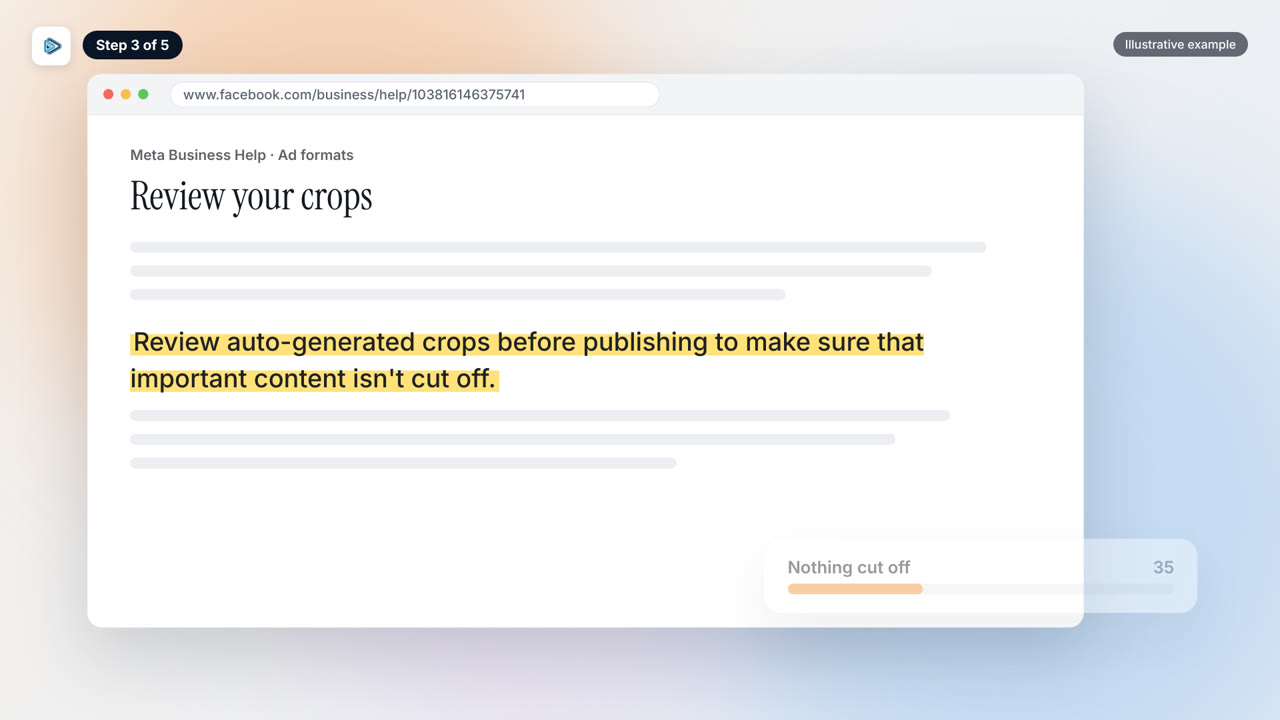
Check the crop: Google's own help page: Review your crops (from the video)
Step three is to check every crop before you publish, because Meta tells advertisers to make sure important content isn't cut off.

Meta says the same thing to advertisers: “Review” the crops before publishing “to make sure that important content isn’t cut off.” Do not trust the automatic result blindly. Watch the whole clip once from start to finish in the vertical version.

You can also plan for it while filming. Since the crop keeps the center, put your crew, your truck and your finished work in the middle of the frame. If the important parts sit in the center, both versions work, and you will rarely have to fix a crop by hand.

Step 4: Keep both versions

Do not throw the horizontal file away once you have a vertical one. Having both is worthwhile. Google puts it plainly: “Use both vertical and horizontal videos to serve the right aspect ratio on its intended surface.” Each version runs where it fits best.
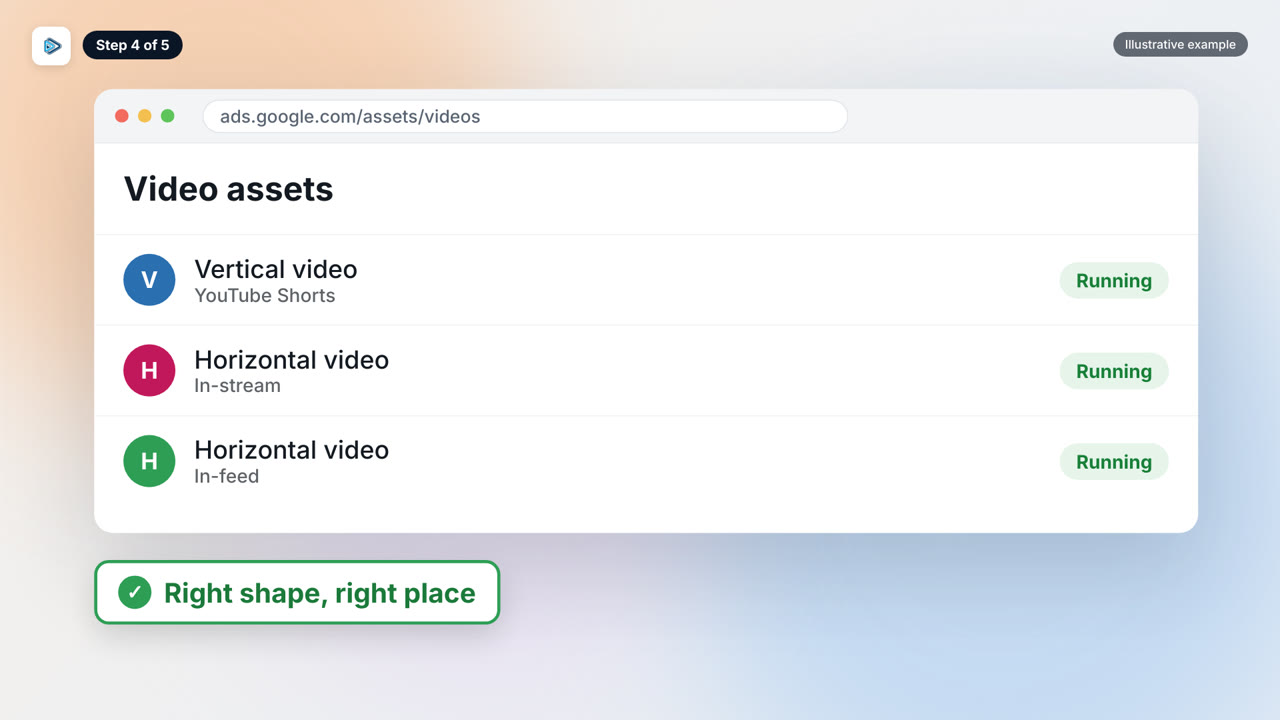
Keep both versions: the Video assets screen (from the video)
Step four is to keep both versions, because Google recommends using vertical and horizontal videos so each one runs on the surface it suits.

The same goes for Meta ads. If you upload only one shape, Meta says the system helps fill the gaps using padding, media expansion, cropping and additional AI features. That means the system decides how your video gets stretched or trimmed. Upload both shapes and you stay in control of what people see.

There is a bonus. The same video also works on your landing page, so one shoot ends up doing a lot of work for you.

Step 5: Captions on

Here is the step I promised, and it matters more than the shape. Most social videos start on mute. If there are no captions, the person scrolling past never hears a word you say, and they keep scrolling.
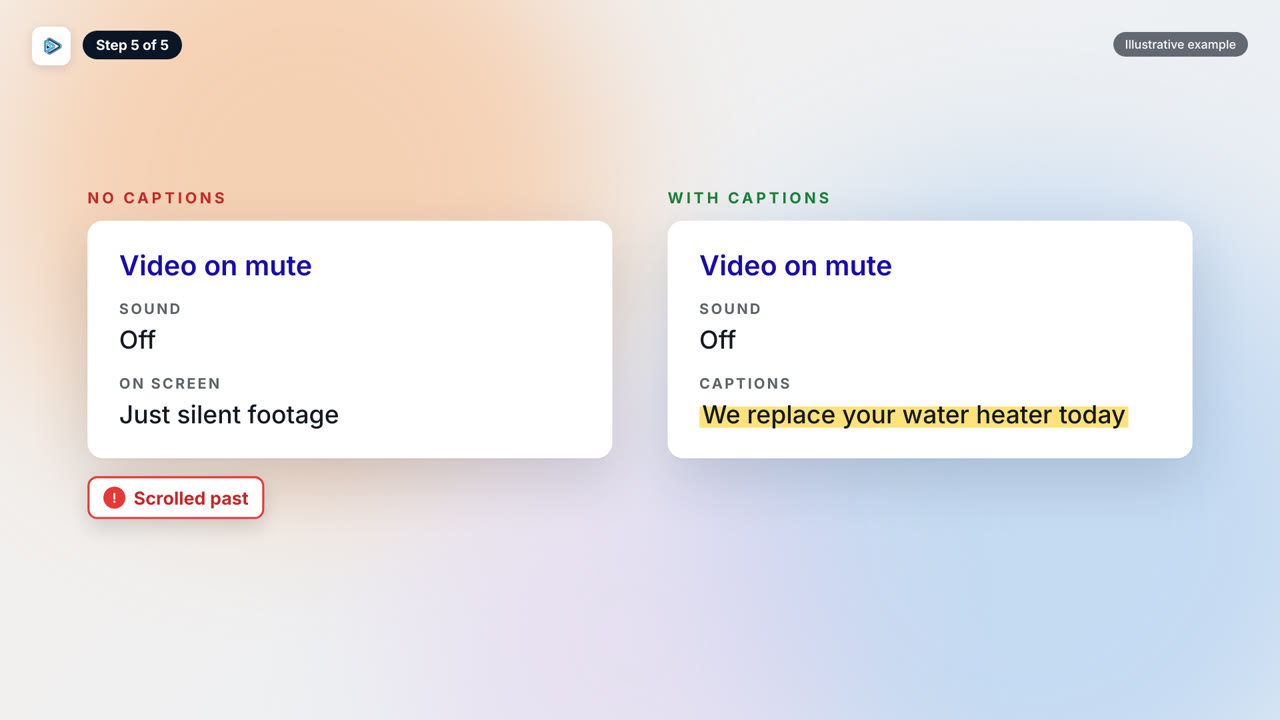
Captions on: before and after, side by side (from the video)
Most social videos start on mute, so if there are no captions, the person scrolling past never hears a word you say.

Meta lists captions as optional but recommended. Its video ad specs for Instagram feed read: “Ratio: 9:16 · Resolution: 1080 x 1920 pixels · Video Captions: Optional, but recommended.” I would treat them as required for every video you post.

Add captions to both your vertical and horizontal versions. Once people can follow along without sound, the shape matters a lot less than whether the video is easy to watch and understand.
Real owners · Real results

Don't take my word for it.

See it in action

How LSM AI Works

Still got questions?

Let's find the right fit for you.

Answer a few quick questions about your business. If it's a fit, we'll get you on a call with me. If not, I'll point you to what actually makes sense for where you're at.

— Lior

Free · Real Google data · 60 seconds

How many calls can your market get?

Real numbers — pulled straight from Google Ads. Not an agency pitch. 🎯

$ /mo

No credit card  ·  No commitment  ·  We verify your details before showing results

The honest truth

Agency vs. owning it.

The agency model
  • ✗ $2,000–$5,000/month in fees just to manage your account
  • ✗ They own your Google Ads account — you start from zero when you leave
  • ✗ Random results. No explanation of why.
  • ✗ Zero visibility into what they're actually doing
The LSM way
  • ✓ Costs less than one missed job
  • ✓ Your Google Ads account. Your campaigns. Your data — always.
  • ✓ AI manages it daily. Full transparency — you see every decision.
  • ✓ Cancel anytime. Your campaigns stay yours forever.
The LSM way

How it works.

The opposite of an agency. We build it inside your accounts. You own it all.

1

Pick your coverage

One city or your whole service area. The free audit tells you exactly what to expect in your market.

2

Your LSM AI builds everything

Your AI marketing manager builds your Google Ads, call tracking, fraud protection, and landing page — inside your accounts. You approve before a single dollar is spent.

3

Your phone starts ringing

Most clients are live within 48 hours. Your AI optimizes bids and keywords daily — results compound over time.

✓ Google Ads campaign (your account) ✓ Call tracking setup ✓ Competitor click blocking ✓ High-converting landing page ✓ Daily bid & keyword optimization ✓ Monthly performance report ✓ You own every account, always ✓ Personal LSM AI manager ✓ 24/7 Q&A in Lior's voice ✓ 7-day money-back guarantee
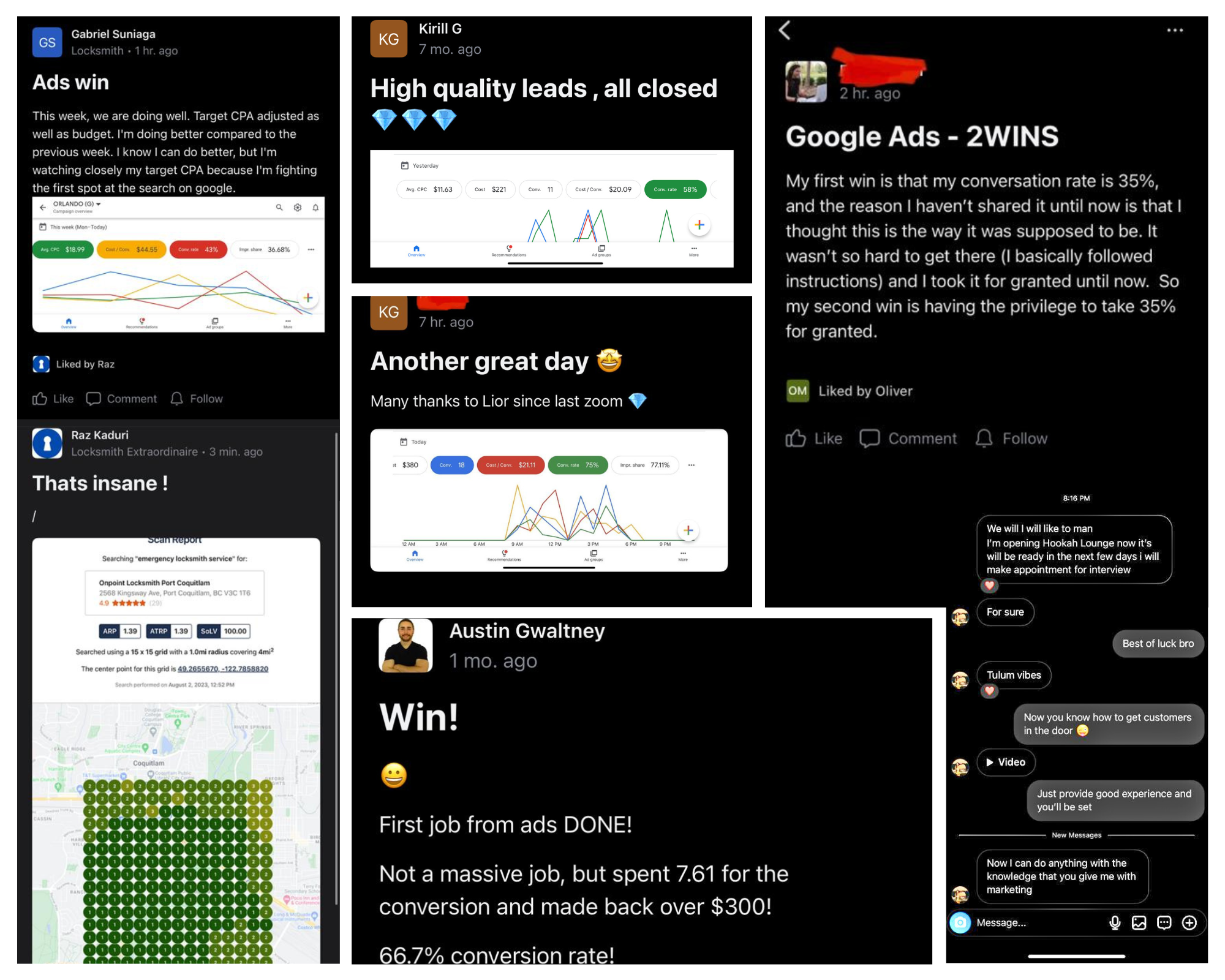
Real client wins and results using LSM
Included in every plan

Your own AI account manager.

Built on 8,600+ real LSM coaching sessions. Trained in Lior's exact voice.

⚡ Powered by LSM AI · Trained on 8,600+ real LSM coaching sessions
🔐

It already knows everything about you

The moment you sign up, your LSM AI knows your plan, your city, your service. No setup call. No briefing a stranger.

🏗️

Builds your entire setup — while you watch

Google Ads. Call tracking. Fraud protection. Your landing page. Built inside your accounts, step by step.

✅

Nothing goes live without your sign-off

Before a single dollar is spent, your AI walks you through everything it built. You approve. Then it goes live.

💬

On call 24/7 — in Lior's exact voice

Ask it anything, anytime. 8,600+ real LSM coaching answers. Available instantly.

► claude
✓ Membership verified — Growth plan · Dallas TX
✓ Client profile loaded — HVAC, 3 cities
Building your Google Ads campaign…
✓ Campaign created (PAUSED for review)
✓ 47 keywords added across 3 ad groups
✓ 3 responsive ads created
Setting up call tracking…
✓ 4 tracking numbers created
✓ Call tracking installed on your site
✓ Competitor click blocking active
Building landing page…
✓ Site backed up · Page builder detected
✓ Landing page live at dallas-hvac.yourdomain.com
Everything looks good. Budget: $75/day · Targeting: Dallas 25mi · Ready to go live?
You: Yes, turn it on.
✓ Campaigns activated. Your phone should start ringing.
Real session · Google Ads + Call Tracking + Landing Page built in one go
Free · 2 minutes · No call required

See what your market can do.

Real estimate — pulled directly from Google's own data. Not a made-up projection. 🎯

No credit card  ·  No call  ·  Results in 30 seconds

If this sounds familiar…

You've been burned before.

🔒

They own your accounts. Not you.

The day you leave an agency, your Google Ads account, tracking numbers, and landing page are gone. You spent $30,000 building their asset.

💸

The reports look great. The phone doesn't ring.

Impressions. Clicks. CTR. Beautiful PDF every month. But when you ask how many jobs you closed — nobody has a straight answer.

🤷

You ask a question. You get an email 48 hours later.

You need answers now. A human account manager you can never reach isn't service — it's a subscription to uncertainty.

Lior Vaknin
Who's behind this

I'm Lior. 15 years making sure you never get locked out of your own marketing again.

I built Local Service Mastery because I watched too many great contractors get burned by agencies — overcharged, locked out, left with nothing. So I flipped the model: your accounts, your data, your asset. We build it. You own it.

500+owners coached
$20M+revenue generated
15+years in the game

Peace,
Lior Vaknin

Good questions

Questions,
answered.

What is the best Facebook video ad dimension?

It depends on where the video will live. Meta says most people watch vertically on Facebook, and its Instagram feed video ad specs list a 9:16 ratio at 1080 x 1920 pixels.

Should I film my videos vertical or horizontal?

Shoot full project videos horizontal, because that suits YouTube better. Vertical is fine for short form ads and landing pages.

Can I turn a horizontal video into a vertical one?

Yes. Meta says you can reframe your existing content for a vertical format, CapCut can crop the center of a horizontal video, and Google Ads has a tool that generates vertical videos from horizontal ones.

What happens if I upload only one video shape to Meta ads?

Meta’s system helps fill the gaps using padding, media expansion, cropping and additional AI features. Uploading both shapes keeps you in control of how your video looks.

Do my Facebook video ads need captions?

Meta lists captions as optional but recommended. Most social videos start on mute, so I would treat them as required.

How long can a YouTube Short be?

Google says a Short can be up to three minutes, with a square or vertical aspect ratio.

Which plan should I pick?

Start with Starter if you want to get your phone ringing in one city and grow from there — one new campaign gets added each month. Go with Growth if you're ready to cover your full service area right away. Pro adds local SEO, Facebook Ads, and weekly coaching with me directly. If you're still not sure, run the free audit — it'll tell you what to expect in your market.

How fast will my ads go live?

Most clients are live within 48 hours of completing setup. Your LSM AI builds everything, you review and approve, then it goes live. The only exception is if Google requires advanced verification for your category (locksmith, garage door) — that's a direct process between you and Google, and we walk you through it.

What results can I expect?

Depends on your trade, your city, and your ad budget. The free audit gives you a real estimate pulled directly from Google's own Ads data — not a made-up projection. In a medium-to-large market with a $1,000/month ad budget, most clients get 15–40 qualified calls per month. Run the audit first to see what's realistic in your specific area.

Do I really own everything?

Yes. The Google Ads account, the call tracking numbers, the landing page — all built inside your accounts, in your name. If you ever cancel, you walk away with everything you paid to build. That's not a policy. That's the whole point.

Is there a contract?

No contract, ever. Every plan is month-to-month. Cancel anytime — if we stop earning your business, you should stop paying.

What if I already have my own call tracking or fraud protection?

No problem. You can connect your existing accounts, or we set everything up fresh for you. Your call — you pick during onboarding.

I'm a locksmith or garage door company. Anything I should know?

Yes — Google requires advanced verification for locksmith and garage door services before ads can run. We build your campaign and all your keywords, but you'll need to complete that verification with Google directly (we walk you through it). If for any reason you can't complete it, you're covered by our full 7-day refund.

Do you work with my trade?

We specialize in home and local services — HVAC, plumbing, electrical, roofing, locksmith, garage door, pest control, carpet cleaning, water damage, tree service, and more. Run the free audit and you'll instantly see if we're a fit.

What exactly is my LSM AI account manager?

It's your personal AI marketing manager — trained on 8,600+ real LSM coaching sessions. Sign up and it's ready to go: builds your full campaign setup inside your accounts, reviews everything with you before anything goes live, and stays on 24/7 to answer any question about your campaigns, leads, or marketing strategy. In Lior's exact voice.

What's the 7-day money-back guarantee?

If you sign up and decide within 7 days that this isn't right for you — for any reason — you get a full refund. No hoops. We'd rather lose a bad fit early than keep a client who isn't seeing value.

The bottom line

Shoot for the job, then let one video do more work

The best Facebook video ad dimension is the one that fits where the video will live. Shoot full project videos horizontal, make a vertical copy from the footage you already have, check the crop so nothing important is cut off, and keep both versions so each one runs on the surface it suits.

Then add captions to every version, because most social videos start on mute. If people can follow along without sound, you have done the part that matters most.

Rather not keep track of all this yourself?

LSM AI connects to your Google Ads, Google Business Profile, Facebook ads and website, finds what costs you leads and makes the fixes in your own accounts once you approve them.

Answer 5 quick questions to see if it’s a fit →

Stop renting leads.

Check your market, pick your plan, or grab 15 minutes with me. Let's get your phone ringing.

See what your market can do

Your trade