 Local Service Mastery
What the LSM member shared
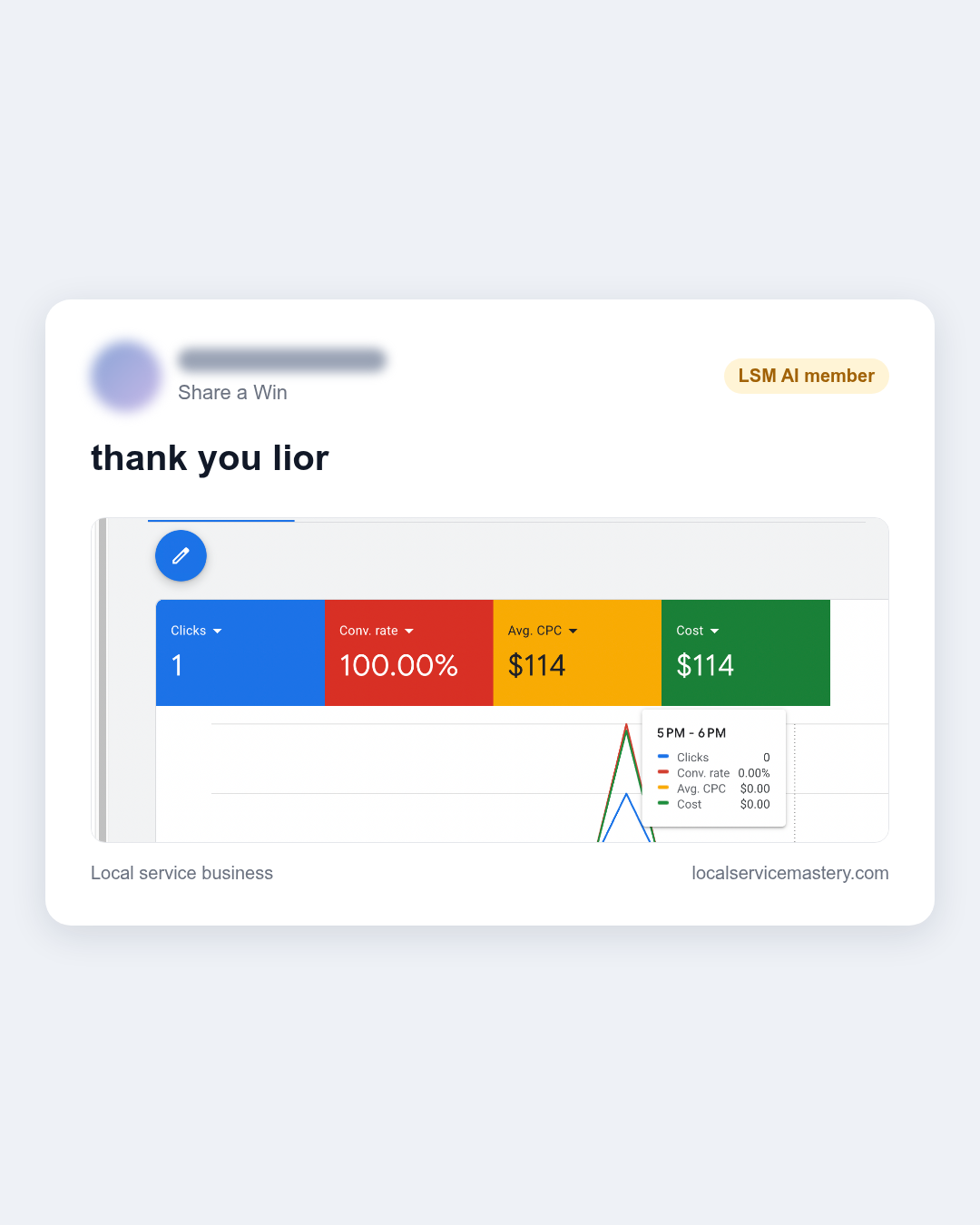
An LSM member posted a screenshot from their Google Ads account in our private community, with a short note: “thank you lior”. The headline tiles show Clicks: 1, Conv. rate: 100.00%, Avg. CPC: $114 and Cost: $114. The screenshot doesn’t show a date range, and the trade isn’t stated. What it does show is the point: a paid click came in, and it converted.
What the numbers mean
With one click, the math is simple. The member’s cost was $114, and that is also their average cost per click, because there was only one click. The conversion rate reads 100% because that single click ended in a conversion. For a local service company, a conversion usually means a call or a form. That makes this a first lead, and the start of real data in the account.
A $114 click is not what most owners picture when they think about Google Ads. But the number that matters most comes after the click. If the person clicking is ready to hire, one visit is enough.
Why a single click can convert
High-intent searches come from people with a problem right now. They aren’t browsing or comparing for fun. When a campaign is well targeted, more of its clicks come from that kind of person. That is the lesson in this member’s result: a well-targeted campaign can turn one paid visit into a lead, and that can justify a high cost per click.
What any owner can copy
You don’t need this member’s exact account to use the thinking behind it.
- Judge clicks by intent, not by price alone. A cheap click from the wrong person is still a wasted click.
- Make sure conversion tracking is set up, so a call or a form shows up as a conversion in your account.
- Look at cost per lead, not only cost per click.
- Let the account collect data, then compare your cost per lead to what a job is worth to you.
Credit goes to the member for sharing it. A first conversion is the start of knowing what works in your account, and every owner running paid search wants to get there.